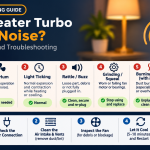

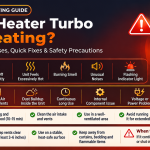
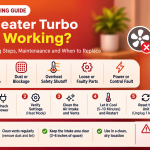

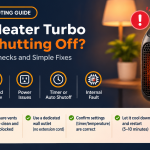




A small room heater should keep you warm quietly, not turn your living room into a workshop. If your Handy Heater Turbo is making noise, you are far from alone. Buzzing, rattling, humming, clicking and even squealing sounds are among the most common complaints people have with compact fan-driven heaters. The good news is that most of these noises have simple causes, and many can be fixed in a few minutes with nothing more than a soft brush and a little patience.
In this complete guide, you will learn what each type of sound usually means, which noises are completely normal, which ones are warning signs, and exactly how to troubleshoot the problem step by step. You will also find maintenance habits that keep the heater quiet and tips for choosing a quieter model if yours has reached the end of its life.
Why Is a Handy Heater Turbo Noisy? The Basics
The Handy Heater Turbo is a compact, fan-assisted portable heater. Inside, a heating element warms up while a small motor spins a fan to push the warm air into the room. Anything that disturbs the smooth spinning of that fan, or makes the body of the unit vibrate, can create unwanted sound. Because the parts are small and spin quickly, even a tiny amount of dust or a slightly loose screw can be heard clearly in a quiet room.
Before you start, remember that every electric heater makes at least a little sound. A gentle, steady whoosh of moving air is normal. What you want to identify is anything louder than that, or anything that changes, gets worse over time, or comes with a smell.

9 Common Causes of Handy Heater Turbo Noise
1. Dust and Lint on the Fan Blades
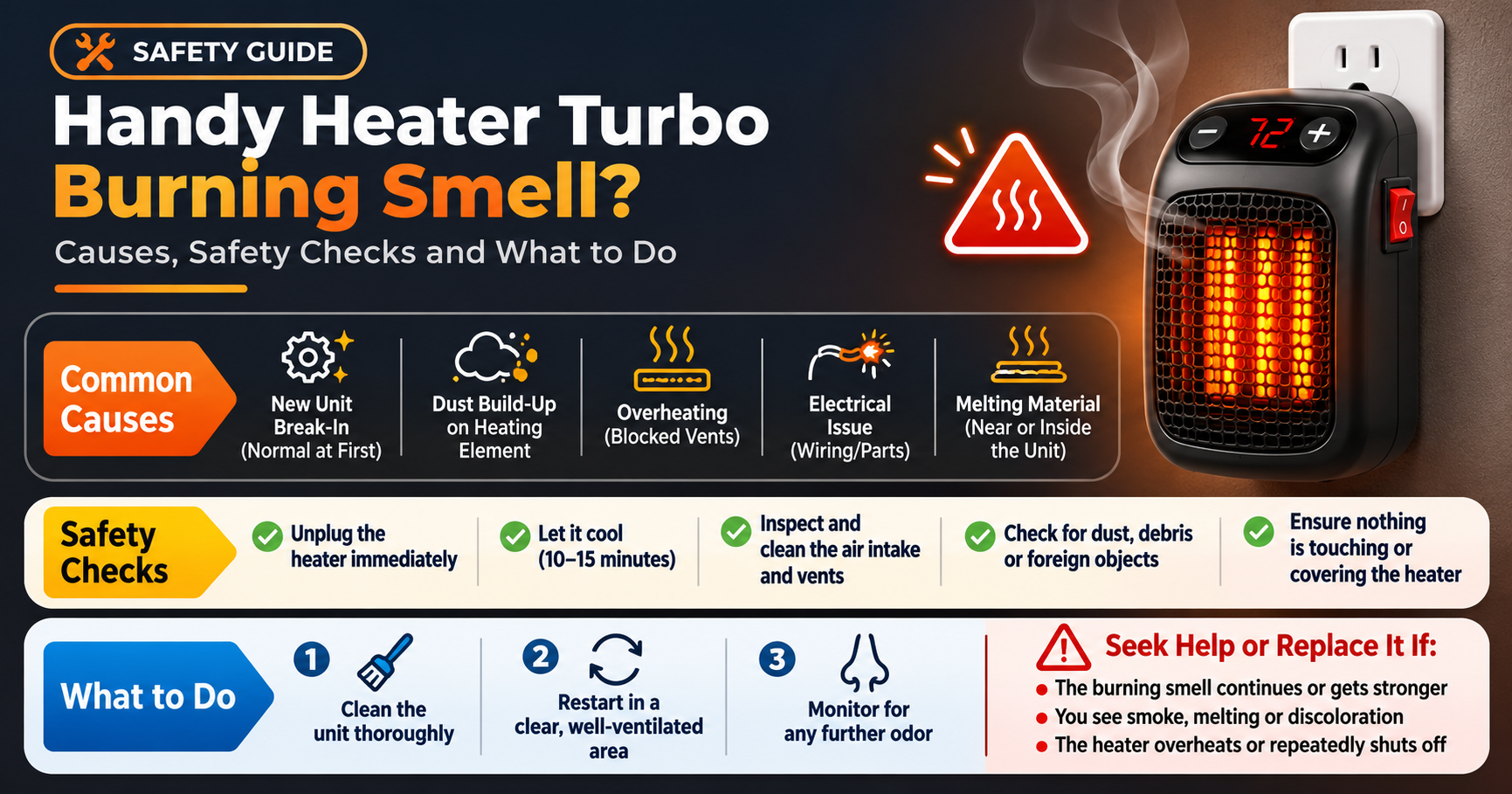
This is the number one cause. Dust, lint and fine fibres collect on the fan blades and around the air intake. The buildup is rarely even, so the fan becomes slightly unbalanced. The result is a buzzing, humming or fluttering sound that often gets louder the longer the heater runs. A small amount of dust can also heat up and produce a faint burning smell the first time you use the heater after a long break.
2. Debris or Hair Touching the Fan
Pet hair, loose threads from carpets or blankets, and small bits of paper can get pulled in through the vents. When they touch the blades, you hear a scraping, ticking or flapping sound. If the noise sounds like something is brushing against plastic, this is a likely culprit.
3. Worn Fan Motor or Bearings
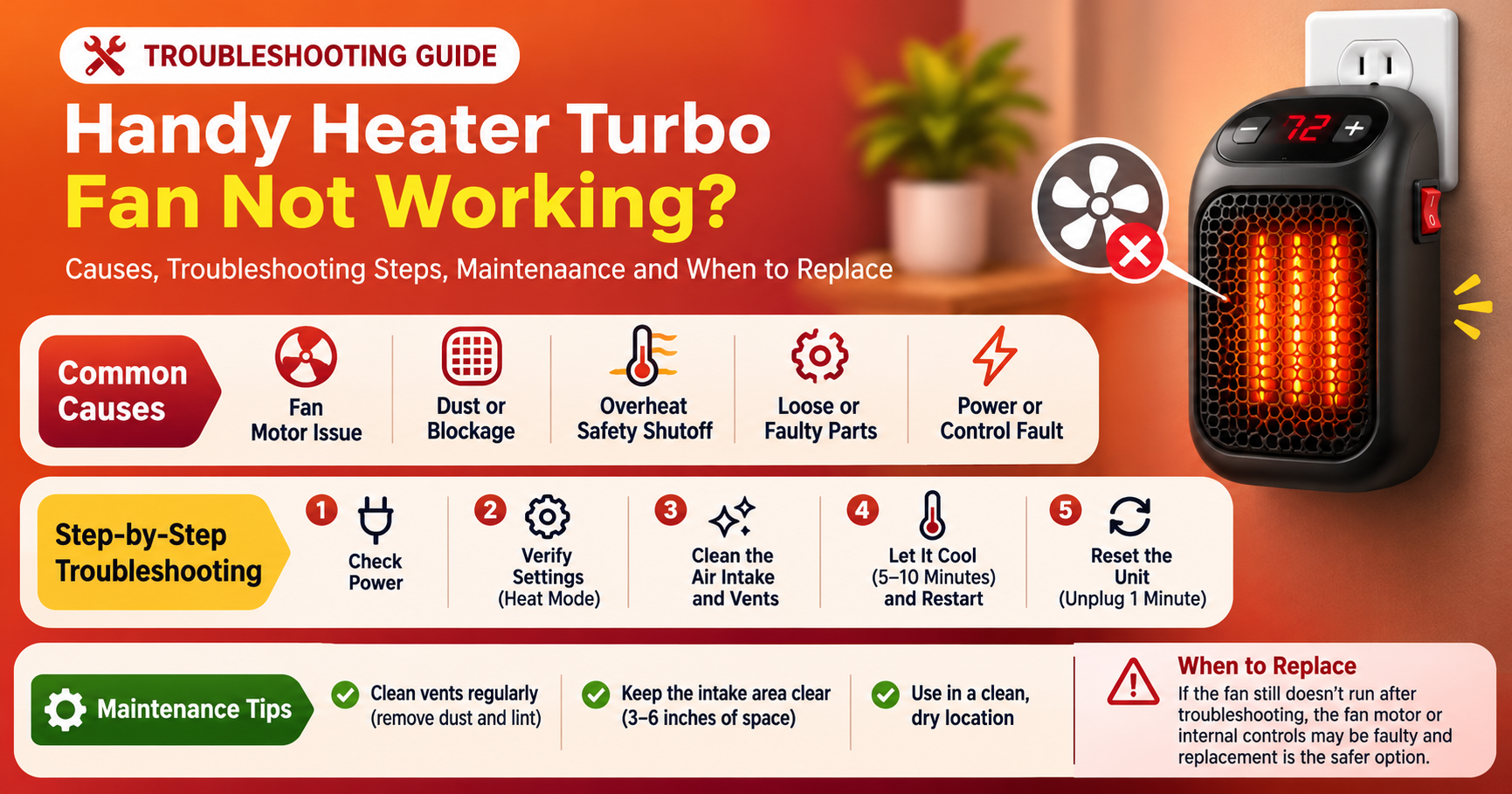
Compact heaters use small, inexpensive motors. After months or years of use, the bearings can dry out or wear down. A worn motor tends to produce a high-pitched whine, a squeal or a low grinding noise. This type of sound usually does not go away after cleaning and gradually becomes louder.
4. Loose Casing, Grille or Screws
Every time the fan spins, it creates tiny vibrations. Over time, these can loosen the front grille, the outer shell or the base. A loose part will rattle or buzz in a rhythm that matches the fan speed. If you gently press on the casing while the heater is running and the noise changes, a loose part is almost certainly the cause.
5. Placing the Heater on an Uneven or Soft Surface
A wobbly table, a slightly tilted floor or a soft carpet can amplify the heater’s natural vibration. A hard tabletop can act like a speaker, turning a tiny hum into a noticeable drone. Moving the heater to a stable, flat, hard floor often reduces the noise immediately.
6. Thermal Expansion (Ticking and Clicking)
When the heating element warms up, the plastic and metal parts expand slightly. As they cool down, they shrink again. This creates short ticking or clicking sounds, usually during the first minute of heating or just after switching off. These sounds are normal and not a sign of damage.
7. Thermostat or Safety Switch Clicking
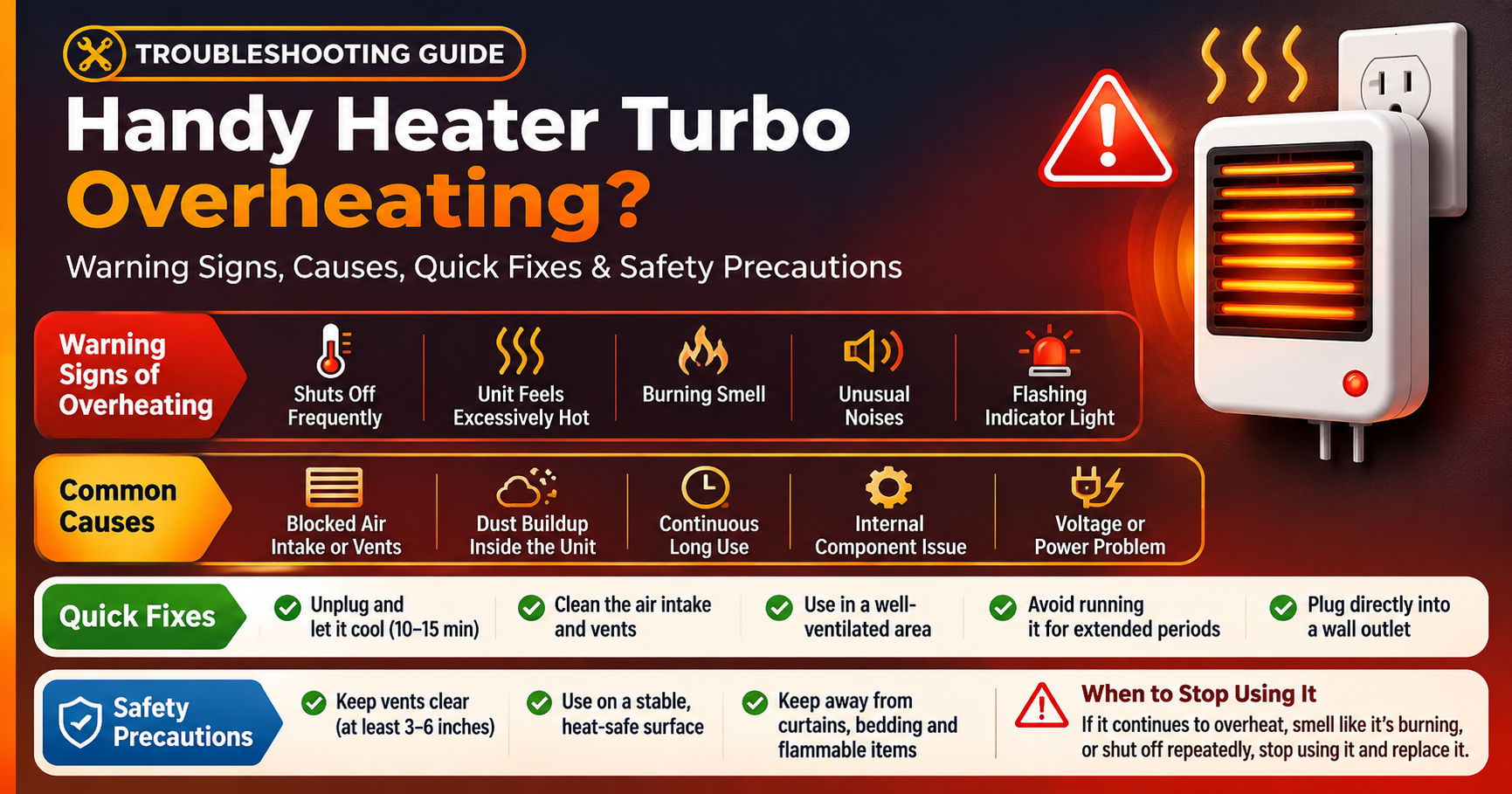
Many heaters have a built-in thermostat or overheat protection that turns the element on and off to keep the temperature steady. You may hear a soft click each time it switches. Regular clicking at long intervals is normal. If the heater clicks repeatedly every few seconds or shuts off by itself, it may be overheating because of blocked vents. Clean the unit and give it more space.
8. Unstable Power Supply or Extension Cords
Low or fluctuating voltage can make the motor hum or run unevenly. Using a thin extension cord or a crowded power strip can make this worse. Heaters draw a lot of current, so it is best to plug them straight into a wall socket whenever possible.
9. Manufacturing Variation or Transport Damage
Some units come out of the box slightly louder than others because of small differences in assembly. A heater that was dropped or roughly handled during shipping may also have a bent fan blade or a loose internal part. If your heater was noisy from the very first day, this could be the reason, and it may be covered by the seller’s return or warranty policy.
Normal Noise or Warning Sign?
Not every sound means something is wrong. Use this quick comparison to decide whether you can keep using the heater or should stop right away.

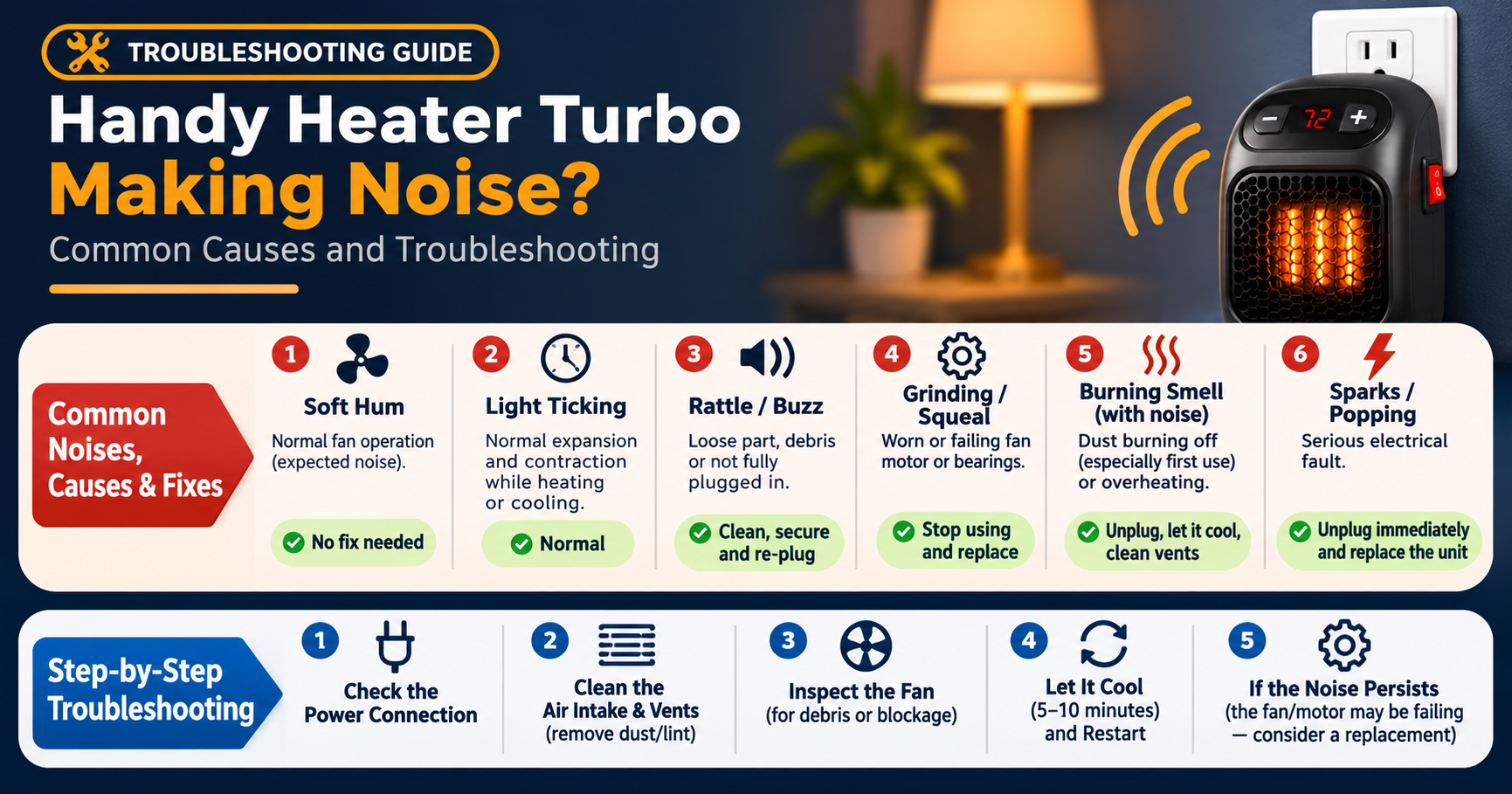
Generally normal: a soft steady hum, a gentle airflow sound, light ticking while heating up or cooling down.
Fixable annoyances: rattling, buzzing, fluttering or a louder-than-usual fan.
Stop using immediately: grinding, loud squealing, burning smell that does not fade after a minute or two, smoke, sparks, popping sounds or a damaged power cord.
How to Fix a Noisy Handy Heater Turbo: Step-by-Step
Safety first: always switch the heater off, unplug it from the wall and let it cool for at least 30 minutes before you touch it. Never open sealed parts of the heater or attempt electrical repairs yourself.

Step 1: Unplug and Let It Cool
Turn off the power switch, remove the plug from the socket and leave the heater for half an hour. A hot grille can cause burns, and a plugged-in heater is never safe to handle.
Step 2: Check Where It Is Placed
Move the heater to a flat, hard, stable surface. Keep it at least one metre away from curtains, bedding, furniture and walls. A level surface alone solves many noise complaints.
Step 3: Clean the Vents and Grille
Use a soft brush or an old, clean paintbrush to loosen dust from the front grille and the air intake. Then use a vacuum cleaner with a brush attachment to remove the loose dust. Compressed air also works well when used in short bursts. Avoid water, sprays and wet cloths near the openings.
Step 4: Look for Obstructions
Shine a torch through the vents and look for visible hair, threads or debris near the fan. If you can see something and reach it safely with soft tweezers, remove it gently. If you cannot reach it, do not force anything into the heater.
Step 5: Check for Loose Parts
Gently press and wiggle the outer casing, the grille and the base. If something moves or rattles, it may be loose. Only tighten external screws that are clearly meant to be user-accessible. If the unit is sealed, leave it alone.
Step 6: Test Again Properly
Plug the heater straight into a wall socket without an extension cord. Run it on the lowest setting for a few minutes and listen. Then try the higher setting. If the noise is gone or much quieter, the problem was most likely dust, a poor surface or a power supply issue.
When Is It Time to Replace Your Heater?
Consider replacing your heater if any of the following apply:
- The noise continues after cleaning and moving it to a stable surface.
- You hear grinding or squealing that keeps getting worse.
- There is a persistent burning smell, smoke or visible scorching.
- The heater trips the power, shuts off repeatedly or the cord and plug feel hot.
- The casing is cracked or the fan blades look bent or damaged.
If your heater is still within its warranty or the seller’s return window, contact the seller first. Keep your proof of purchase and describe the sound clearly, and mention that you already tried cleaning and moving the unit. Do not try to open or repair a heater that is still covered, since this may cancel the warranty.
How to Keep Your Heater Quiet Over Time
- Clean it regularly. Dust the vents and grille at least once a month during the heating season and once before you store it.
- Store it properly. Keep it in its box or a clean bag in a dry place so dust and moisture stay out.
- Use a stable base. Always place it on a level, hard surface.
- Avoid extension cords. Plug it directly into the wall socket.
- Do not block airflow. Leave plenty of open space in front of and around the heater.
- Handle with care. Avoid dropping or knocking the unit while moving it.
- Do not run it unattended. Turn it off when you leave the room or go to sleep.
Safety Reminders for Every Portable Heater
Noise is annoying, but safety matters more. Never cover a heater, never dry clothes on it, and never place it near water, such as in a bathroom, unless it is specifically designed for that use. Keep children and pets away from the hot grille. If the plug or cord feels unusually warm, discolours or smells hot, unplug the heater and stop using it. Always follow the manufacturer’s instruction manual, which is the best source for model-specific guidance.
Choosing a Quieter Heater Next Time
If you decide to replace your heater, a few features can help you find a quieter one:
- Look for low noise ratings. Some products list a decibel level. Lower numbers are quieter.
- Consider fanless options. Oil-filled radiators and panel or convection heaters have no fan and are almost silent, although they usually heat more slowly.
- Check for multiple speed or power settings. A low setting uses less fan speed and makes less noise.
- Choose reliable safety features. Tip-over protection and overheat protection are important for any heater.
- Read recent customer reviews. Pay attention to comments about noise after several weeks of use, not only on the first day.
- Match the heater to your room size. A heater that is too small has to work harder and may sound louder.
Frequently Asked Questions
Why is my Handy Heater Turbo making a buzzing noise?
Buzzing is most often caused by dust on the fan blades, a loose casing or a heater sitting on a vibrating surface. Clean the vents, tighten any external parts and place the heater on a stable, flat surface.
Is it normal for a heater to make a clicking sound?
Yes, occasional light clicking or ticking is normal as parts expand and contract with temperature changes, or when the thermostat switches the element on and off. If the clicking is very frequent or the heater shuts off repeatedly, check that the vents are clear and the heater has enough space.
Why does my heater make a rattling sound?
A rattle usually points to a loose part, a bit of debris near the fan or an uneven surface. Unplug the heater, let it cool, and check the grille and casing for movement. Then clean the vents.
Can I use my heater if it makes a grinding noise?
No. Grinding usually means the motor or bearings are failing, or that something is jammed in the fan. Stop using it, unplug it and contact the seller or consider replacement.
Why does my heater smell when I turn it on?
A faint dusty smell at the start of the season is common because dust burns off the heating element. It should disappear within a few minutes. A strong, sharp or lasting burning smell is not normal. Unplug the heater and do not use it until it has been checked.
How often should I clean my portable heater?
During regular use, clean the vents and grille about once a month. Always clean it before storing it for the season and again before using it for the first time after storage.
Is it safe to leave a heater running overnight?
Most manufacturers advise against leaving a portable heater running while you sleep or when nobody is in the room. Follow the safety instructions in your manual and use a timer or turn the heater off when you leave.
Final Thoughts
A noisy Handy Heater Turbo is usually not a disaster. In most cases, a thorough cleaning, a better position and a quick check for loose parts will bring the sound back to a comfortable level. Learn to tell the difference between harmless ticking and warning noises such as grinding, squealing or burning smells, and always put safety first. If the noise stays no matter what you try, or you notice any sign of electrical trouble, it is time to stop using the unit and get a replacement. A little regular care will keep your heater quieter, safer and longer lasting all winter.
Disclaimer: This article is for general information only. Always follow the instructions and safety guidance supplied with your specific heater, and contact a qualified professional for electrical repairs.