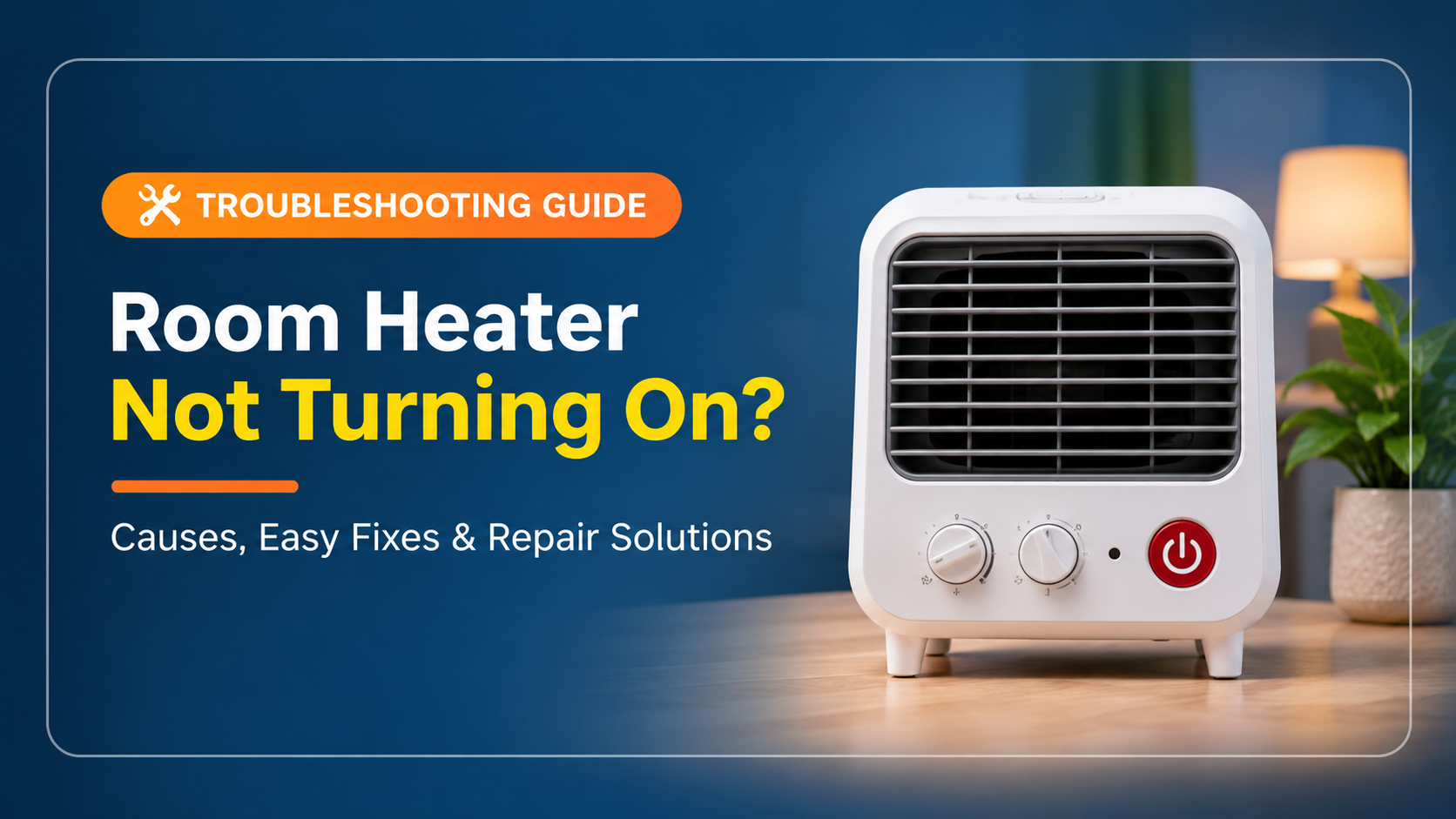
Room Heater Not Turning On? 12 Easy Fixes and Safety Tips

There is nothing more frustrating than a cold evening and a room heater not turning on. You press the power button, nothing lights up, no fan spins and the room stays cold. The good news is that most heater problems come from simple causes that you can identify and fix in a few minutes without any special tools.
In this complete guide you will learn exactly why a room heater refuses to start, how to diagnose each cause step by step, which repairs are safe to do at home and when it is smarter to replace the heater. The tips work for fan heaters, ceramic heaters, oil-filled radiators, halogen heaters and quartz heaters.
Table of Contents
- Safety first
- Quick diagnosis flow
- 12 fixes for a heater that will not turn on
- Symptom and cause chart
- Troubleshooting by heater type
- Maintenance tips
- What to look for in a new heater
- Frequently asked questions
- Final thoughts
Safety First: Do This Before You Troubleshoot
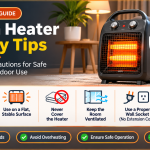
A room heater combines high electrical current with high temperatures, so a careless fix can cause shocks or fires. Follow these rules every single time.

Quick Diagnosis Flow
Use this simple flow to find the cause quickly. Start at step one and move down. Most heaters come back to life before step five.

12 Fixes for a Room Heater That Will Not Turn On
1. Check the Power Outlet
The most common reason a room heater does not turn on is a dead outlet. Heaters draw a lot of power, so a worn or overloaded socket can stop supplying electricity.
- Plug a phone charger or lamp into the same socket to confirm it has power.
- Try a different wall outlet, ideally on another circuit.
- Check for a loose, hot or discolored socket. If you see any of these, stop and call an electrician.
2. Inspect the Power Cord and Plug
A damaged cord interrupts the electrical path. Repeated bending, pets chewing the wire or pinching behind furniture can break the internal wires.
- Look for cuts, kinks, burn marks or exposed wire along the full length of the cord.
- Check that the plug fits snugly and the metal pins are straight and clean.
- Never repair a heater cord with tape. Replace the heater or have a qualified technician replace the cord.
3. Reset the Circuit Breaker or GFCI
Space heaters are high-wattage appliances. Running one alongside other devices can trip the breaker, which cuts power to the whole outlet.
- Open your breaker panel and look for a switch in the middle or off position.
- Flip it fully off, then back on.
- If the outlet has a GFCI with test and reset buttons, press reset firmly.
- If the breaker trips again right away, unplug the heater and do not retry.
4. Make Sure the Heater Is Upright and Stable
Almost every modern heater has a tip-over switch. If the unit leans on carpet, sits on an uneven surface or the switch is stuck, the heater will refuse to start.
- Place the heater on a hard, flat and level surface.
- Pick it up and set it down again to free a sticky switch.
- Look under the base for lint or dust blocking the switch plunger and gently clean it.

5. Let an Overheated Unit Cool Down
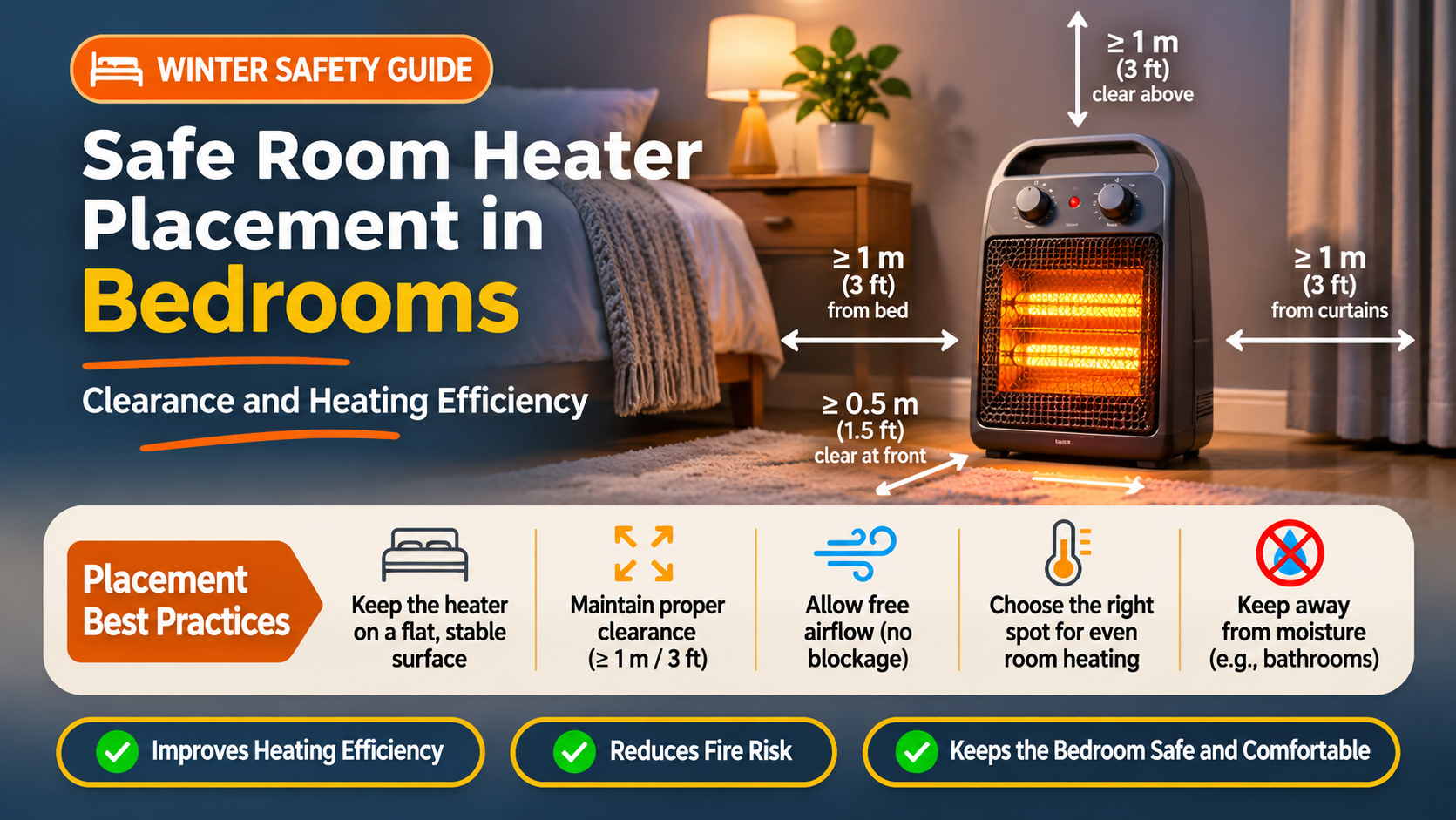
Overheat protection shuts the heater off when internal temperature climbs too high. Blocked vents, a clogged filter or a heater placed against a wall or blanket are the usual triggers.
- Unplug the heater and wait at least 30 minutes.
- Clear at least three feet of open space around it.
- Vacuum the intake and outlet grills, then restart.
6. Adjust the Thermostat and Mode Settings
If the thermostat is set lower than the current room temperature, the heater will not start heating. Timers, eco modes and child locks can also make it look dead.
- Turn the thermostat to the maximum setting for a test.
- Disable timer, eco and sleep modes.
- On digital models, press and hold the lock icon to release a child lock.
7. Replace the Remote Batteries or Reset the Control Panel
Digital and remote-controlled heaters rely on a small control board. A frozen board or flat remote battery can block the start command.
- Replace the remote batteries and try the buttons on the unit itself.
- Unplug the heater for 10 minutes to reset the electronics.
- Plug it directly into the wall and turn it on again.
8. Clean the Air Filter and Fan Vents (Fan Heaters)
Dust is the silent killer of fan heaters. A thick layer on the filter or fan blades restricts airflow, causing the unit to shut off for protection.
- Remove and wash a removable filter, and dry it fully before use.
- Use a soft brush or vacuum on the grills and fan blades.
- Clean the heater every month during heavy use.
9. Test the On/Off Switch
Switches are mechanical parts that wear out. A switch that feels loose, crunchy or does not click can fail to complete the circuit.
- Switch the heater on and off several times and listen for a click.
- Look for burn marks or a melted smell around the switch area.
- Replacement of an internal switch should be done by a technician.
10. Check for a Blown Thermal Fuse
A thermal fuse is a one-time safety part. When it blows, the heater is completely dead with no lights, no fan and no heat.
- Unplug the heater and ask a technician to test the fuse with a multimeter.
- Replace the fuse only with the exact same rating.
- Find out why it blew first, since blocked airflow is usually the cause.
11. Listen for a Failed Fan Motor or Heating Element
If the lights come on but you get no warm air, or the fan hums without spinning, an internal part has failed.
- A humming noise with no spin points to a seized or weak fan motor.
- A fan that spins but gives cold air points to a burnt heating element.
- Compare repair cost with a new unit, as replacement is often cheaper for budget heaters.
12. Know When It Is Time to Replace the Heater
Most room heaters last three to ten years depending on type and use. If repairs cost more than half the price of a new model, replacement is the smarter choice.
- Replace units with a damaged housing, melted plug or repeated breaker trips.
- Replace heaters older than ten years that show inconsistent power.
- Choose a model with tip-over and overheat protection.
Symptom and Cause Chart
Match what you see with the most likely cause to save time.
| What you notice | Most likely cause | Try this first |
|---|---|---|
| No lights, no sound, no heat | Dead outlet, tripped breaker, damaged cord or blown thermal fuse | Test the outlet and reset the breaker |
| Lights on but no heat | Thermostat too low, tripped overheat cutoff or failed heating element | Raise the thermostat and clean the vents |
| Fan runs but air is cold | Burnt heating element or faulty thermostat | Professional check or replacement |
| Heater turns off after a few minutes | Overheat protection from blocked airflow | Clean the filter and clear the area around it |
| Heater clicks but will not start | Tip-over switch or control board fault | Place it on a flat surface and reset power |
| Breaker trips immediately | Short circuit or overloaded circuit | Unplug and call an electrician |
| Burning smell | Dust on the element or damaged wiring | Stop use and inspect before any restart |
Troubleshooting by Heater Type
Different heater designs fail in different ways. Here is what to focus on for each type.
| Heater type | Common reason it will not start | Extra tip |
|---|---|---|
| Fan heater | Clogged filter, overheat cutoff, worn switch | Clean the grills monthly |
| Ceramic heater | Thermal fuse, thermostat fault, tip-over switch | Allow it to cool fully before restarting |
| Oil-filled radiator | Thermal cutoff, thermostat or power cord issue | Never cover it with clothes or blankets |
| Halogen heater | Burnt halogen tube, tilt switch | Handle the tube only when it is cold |
| Quartz or infrared heater | Broken quartz element, loose connection | Look for a visible crack or dark spot on the tube |
| Convector heater | Overheat protection, thermostat setting | Keep the bottom vents free from dust |
Maintenance Tips to Prevent Future Problems
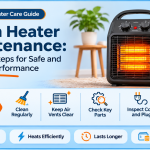
- Clean the filter, grills and fan blades once a month in the heating season.
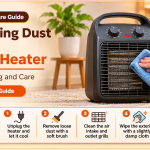
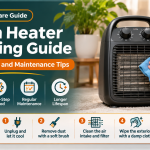
- Wipe dust off the unit with a dry cloth while it is unplugged and cold.
- Store the heater in a dry place with the cord loosely wrapped, not tightly coiled.
- Never place it on a thick carpet, bed or any soft surface.
- Keep curtains, furniture and clothes at least three feet away.
- Do not run it all night without a timer or auto shut-off function.
- Plug it directly into a wall outlet and avoid sharing the circuit with other heavy appliances.
- Before winter begins, run the heater for a few minutes to make sure it works.
What to Look for in a New Room Heater
If your heater is beyond repair, use this checklist to buy a better and safer replacement.
| Feature | Why it matters |
|---|---|
| Tip-over protection | Turns the heater off automatically if it falls or tilts |
| Overheat protection | Prevents damage and fire risk when airflow is blocked |
| Adjustable thermostat | Keeps the room at your chosen temperature and saves electricity |
| Suitable wattage | Match the power to the room size. A small room needs less than a large hall |
| Timer and remote | Adds convenience and controls running time |
| Cool-touch body | Safer for homes with kids and pets |
| Low noise level | Important for bedrooms and offices |
| Good warranty and service | Gives you peace of mind if the heater stops working early |
Frequently Asked Questions
Why is my room heater not turning on but the outlet works?
The usual causes are an activated tip-over switch, overheat protection, a blown thermal fuse, a faulty switch or a damaged power cord. Work through the checklist above in order.
Why does my heater turn on and then off after a few minutes?
This is nearly always overheat protection caused by blocked vents or a dusty filter. Unplug it, clean the grills and keep clear space around the heater.
Why is my heater fan working but no heat comes out?
A working fan with cold air usually means a burnt heating element, a failed thermostat or a tripped thermal cutoff. This normally needs a technician or a replacement unit.
Is it safe to repair a room heater myself?
Cleaning filters, resetting breakers and checking settings are safe. Anything inside the casing, such as fuses, switches and wiring, should be handled by a qualified technician.
Can I use an extension cord with a room heater?
No. Heaters draw high current and most extension cords can overheat. Always plug directly into a wall socket.
How long does a room heater usually last?
Most last between three and ten years. Regular cleaning, avoiding drops and careful storage help extend its life.
Why is my oil-filled heater not turning on?
Check the outlet, the tip-over switch and the thermostat first. Oil-filled radiators also have thermal cutoffs that can trip if the unit is covered or placed too close to a wall.
Final Thoughts
A room heater not turning on is usually caused by something simple: a dead outlet, a tripped breaker, a tilted heater, blocked vents or a wrong setting. Work through the checklist in order and you will solve most cases in under fifteen minutes. If the heater is still dead after the basic checks, or you see burn marks, melted plastic or repeated breaker trips, stop using it and let a professional take over. Your safety is always worth more than a repair.
Keep this guide bookmarked, clean your heater regularly and enjoy a warm and safe winter.
Disclosure: This article may contain affiliate recommendations that help support this website at no extra cost to you.