Disclosure: This article may contain affiliate content. If you buy through links on this site, we may earn a small commission at no extra cost to you. Our guidance is based on manufacturer specifications and typical user experience.
Getting the Handy Heater Turbo temperature settings right is the difference between a cozy room and a heater that runs nonstop, wastes electricity, and still leaves you shivering. This compact plug-in heater looks simple, but the thermostat, timer and heat output all work together. Once you understand them, you can stay warm for a lot less money.
In this guide you will learn what the Turbo setting really does, the full temperature range, the best settings for every situation, how to program the timer, what it costs to run, and how to fix common problems.
Quick Overview of the Handy Heater Turbo
The Handy Heater Turbo (commonly sold as the Turbo 800) is a small ceramic heater that plugs directly into a standard wall outlet. Here are the key specifications reported by retailers and the manufacturer:
| Feature | Details |
|---|---|
| Heater type | Ceramic, wall-outlet (plug-in) |
| Power | 800 watts (many listings also mention a 400W low and 800W high heat level) |
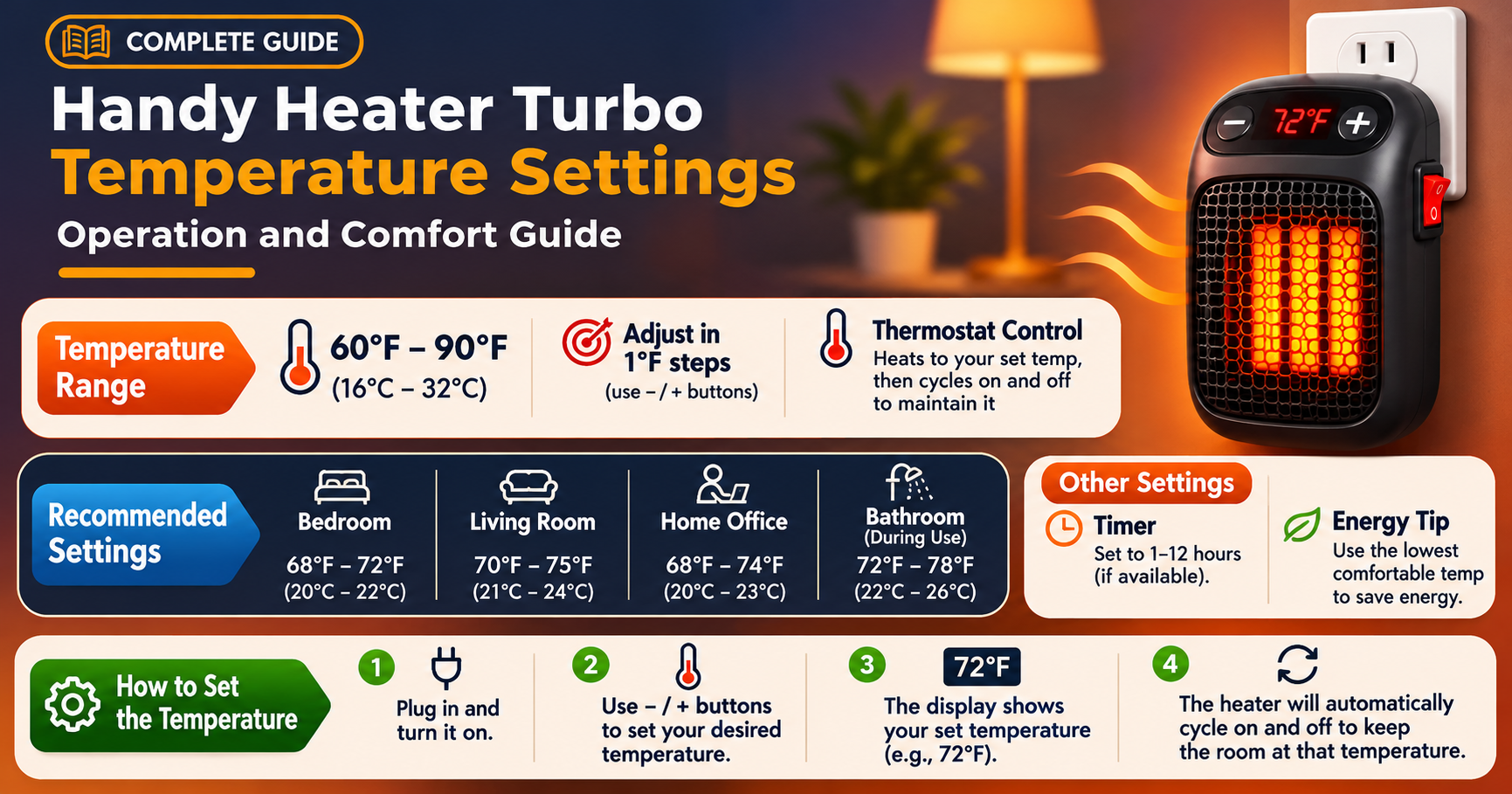
| Thermostat range | 60°F to 90°F (about 15°C to 32°C) |
| Display | Digital LED display |
| Timer | Programmable, up to 12 hours |
| Recommended room size | Up to roughly 250 sq ft |
| Safety features | Overheat protection, auto shut-off, stay-cool housing |
| Weight | About 1.2 lb |
Good to know
Models and listings vary slightly between sellers. Always check the button layout and the printed manual that comes with your own unit, because the exact labels can differ.
What Does the “Turbo” Mean?
“Turbo” is mostly a name for the heater’s quick-warming design. The ceramic element heats fast and a small fan pushes warm air into the room, so you feel the difference within minutes. It is not a hidden overdrive mode that produces more than 800 watts. The unit simply runs at its full power until the room reaches the temperature you chose, then the thermostat cycles the element on and off to hold that level.
That is why the temperature you set matters so much. A higher target means longer full-power running time, which means more electricity used.
Handy Heater Turbo Temperature Range Explained
The thermostat can be set anywhere between 60°F and 90°F. The number you choose is the room temperature you want, not the temperature of the air coming out of the heater. The heater runs until the built-in sensor reads that number, then it pauses.
Why the sensor reading can be misleading
Because the heater plugs into a wall outlet near the floor, the sensor reads the air right beside it. That air is often warmer than the middle of the room, so the heater may shut off before the whole space feels warm. If your room still feels chilly, raise the setting by 2 to 3 degrees instead of assuming the unit is faulty.
Best Temperature Settings for Every Situation
There is no single perfect number. Use this table as a starting point and adjust by a couple of degrees to suit you.
| Situation | Suggested setting | Why |
|---|---|---|
| Sleeping in a bedroom | 65°F – 68°F | Cooler air helps most people sleep better and saves energy |
| Working at a desk or home office | 70°F – 72°F | Keeps hands and feet comfortable without overheating |
| Bathroom before a shower | 75°F – 78°F | Short bursts of extra warmth, then switch off |
| Cold snap or drafty room | 72°F – 75°F | Compensates for heat lost through windows and doors |
| Baby or elderly person’s room | 68°F – 72°F | Steady, moderate warmth; keep the heater well away from bedding |
| Away or low-use rooms | 60°F – 62°F | Takes the chill off and avoids wasted power |
Pro tip
Each degree you lower the thermostat can reduce heating energy use noticeably. Try dropping your usual setting by 2°F for a week. Most people never notice the difference, but the saving adds up.
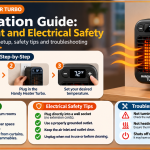
How to Set the Temperature Step by Step
- Plug it in directly. Use a wall outlet. Avoid extension cords and power strips because heaters draw a lot of current.
- Turn it on. Press the power button. The LED display lights up and shows the current room temperature.
- Choose your temperature. Use the up and down controls to set a target between 60°F and 90°F. Start at 70°F if you are unsure.
- Set the timer if you want one. The programmable timer lets you choose up to 12 hours so the heater turns itself off.
- Let it work for 10 to 15 minutes. Give the room time to warm up before changing the setting again.
If your unit offers a high and a low heat level, use High to warm a cold room quickly, then switch to Low once the room is comfortable. This simple habit saves energy and keeps the fan noise down.
Using the 12-Hour Timer Wisely
The timer is one of the most useful features, and it is easy to ignore. A few smart ways to use it:
- Bedtime: set 2 to 3 hours so the room is warm while you fall asleep, then the heater turns off on its own.
- Work hours: set 8 hours for a home office so you never leave it running after you head home.
- Morning chill: use a shorter run to take the edge off while you get ready.
Never rely on the timer as a replacement for common sense. If you leave the house, unplug the heater or at least confirm it has shut off.
How Much Does It Cost to Run?
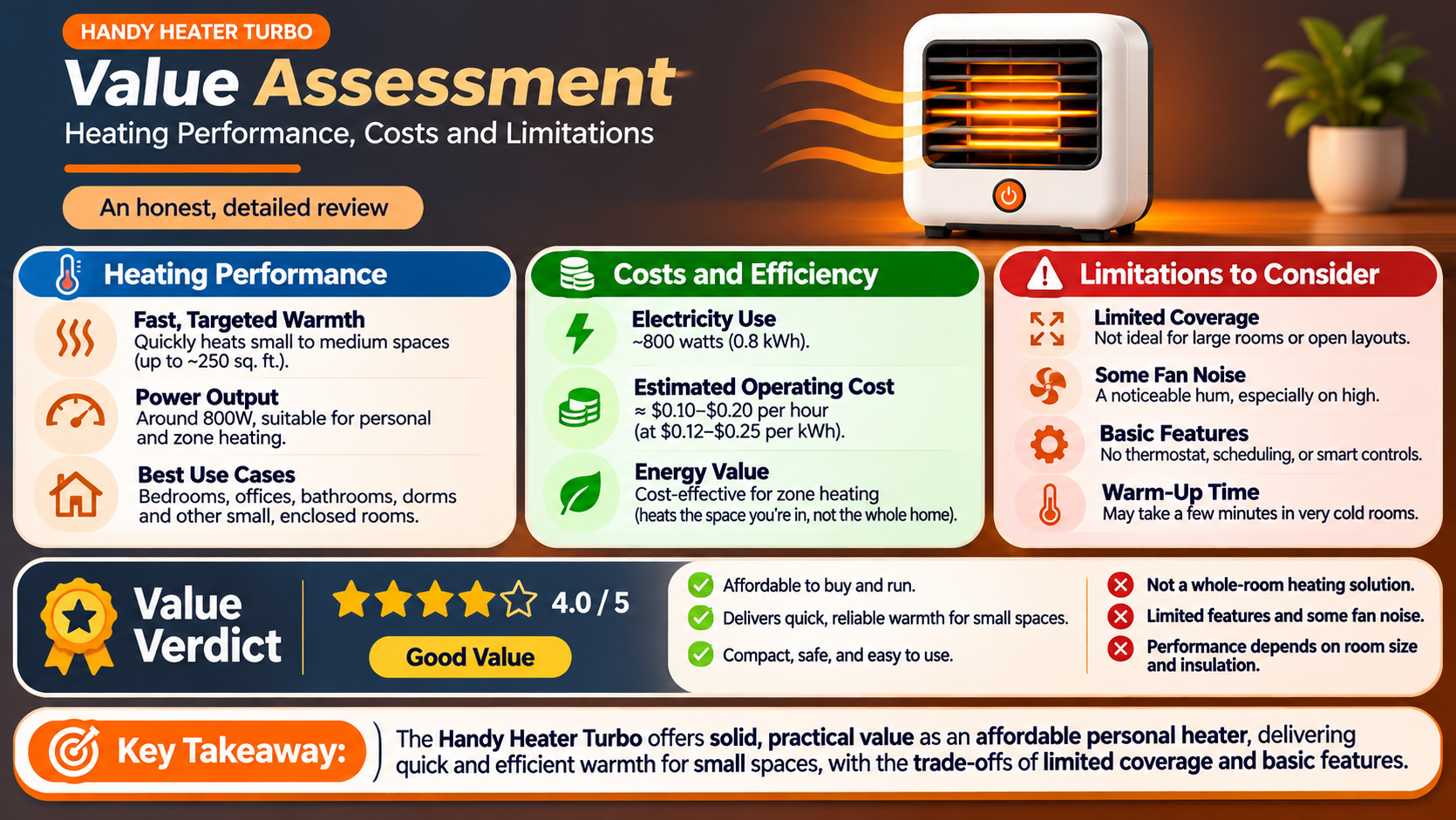
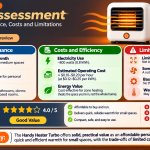
An 800-watt heater uses 0.8 kilowatt-hours (kWh) of electricity for every hour it runs at full power. At an example rate of $0.16 per kWh, that is about 13 cents per hour. Your actual rate will differ, so check your electricity bill for the exact figure.
| Running time | Energy used | Approx. cost at $0.16/kWh |
|---|---|---|
| 1 hour | 0.8 kWh | $0.13 |
| 4 hours | 3.2 kWh | $0.51 |
| 8 hours | 6.4 kWh | $1.02 |
| 12 hours | 9.6 kWh | $1.54 |
In practice the cost is lower because the thermostat switches the element off once your target is reached. A well-sealed room with a moderate setting may use the element only part of the time.
How Big a Room Can It Heat?
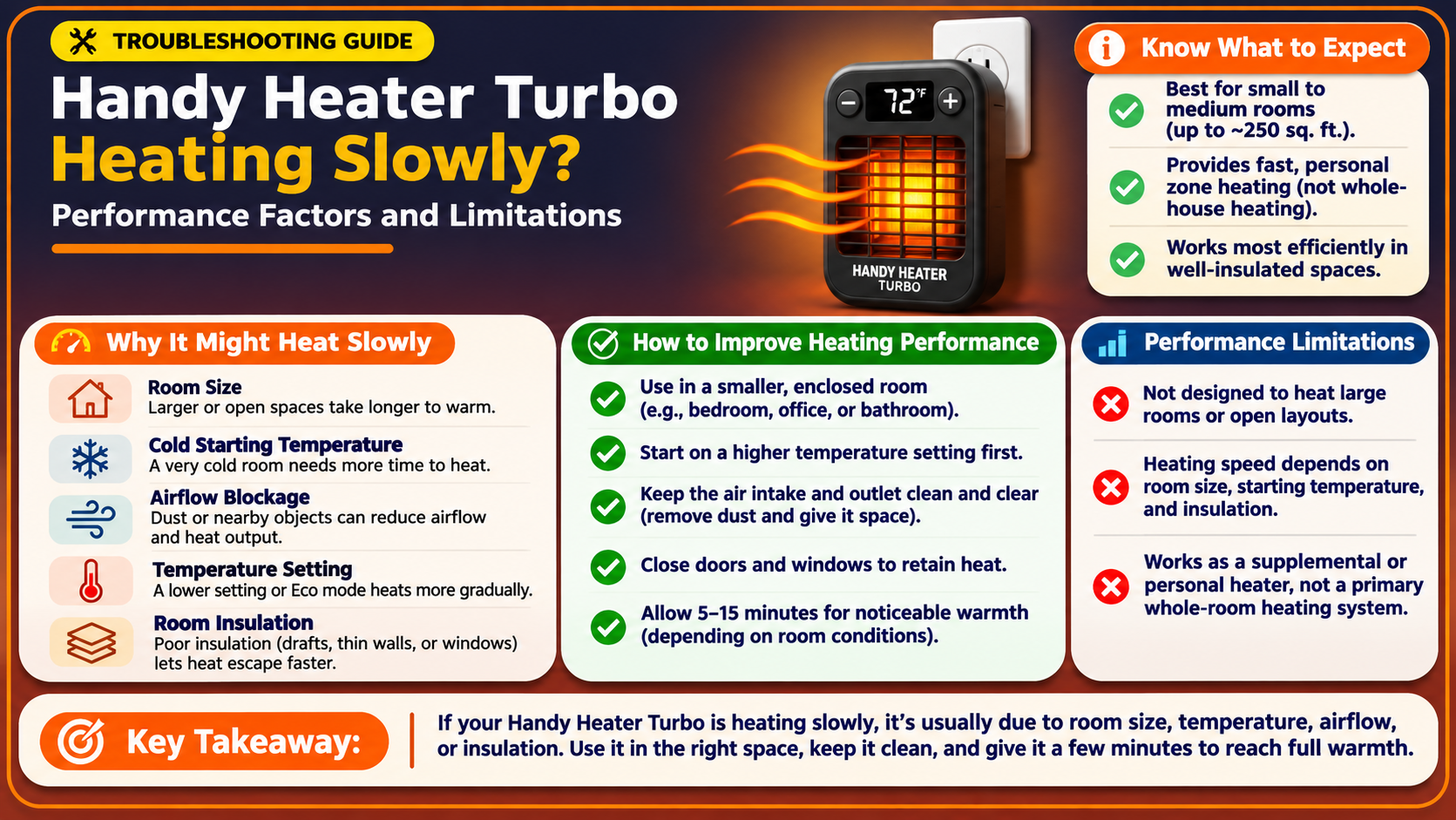
Retailers list a coverage area of around 250 square feet. That fits a typical bedroom, small office, nursery or bathroom. In a large open living room, a drafty basement or a room with high ceilings, this heater will struggle.
- Close the door so warm air stays in the room.
- Block drafts under doors and around windows.
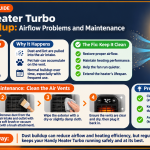
- Keep furniture and curtains clear of the front of the heater so air can flow freely.
Safety Tips You Should Follow
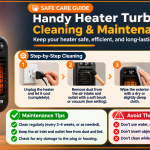
Any heater needs respect. The Handy Heater Turbo includes overheat protection and automatic shut-off, but these features work best alongside good habits:
- Plug directly into a wall outlet, never into an extension cord or surge strip.
- Check that the outlet is in good condition. A loose or warm outlet is a warning sign, so stop using it and have it inspected.
- Keep at least three feet of clear space around the heater, away from beds, curtains, paper and clothing.
- Do not use it where it can get wet or in a very damp area. A bathroom is fine if the heater stays dry, but check your manual first.
- Supervise children and pets, and never leave the heater running in an empty home.
- Do not cover the heater or block its vents.
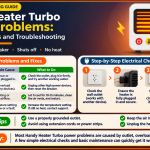
Troubleshooting Common Temperature Problems
The heater turns off too soon
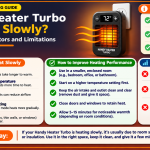
This usually means the sensor near the outlet has reached your target while the rest of the room is still cool. Raise the setting by 2 to 3°F, or move furniture away from the heater.
The room never feels warm enough
Check the room size, drafts and your setting. A space larger than about 250 sq ft or with poor insulation may simply need more heating power than 800 watts can provide.
The display shows Celsius instead of Fahrenheit
Some units may show a different temperature unit. Check your user manual for the unit-switching steps. If your model does not allow switching, use this quick conversion: 68°F is 20°C, 72°F is 22°C, and 75°F is 24°C.
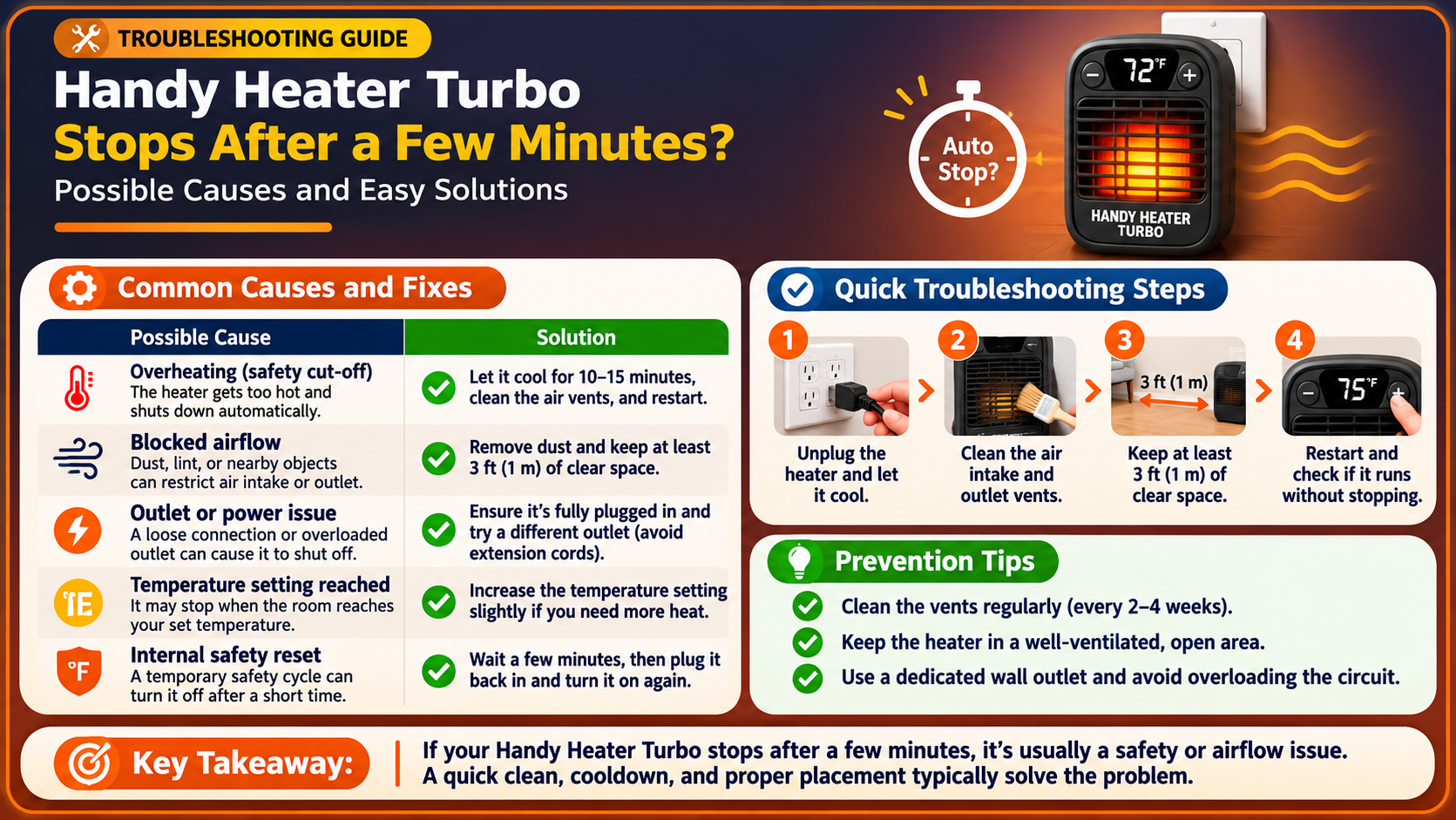
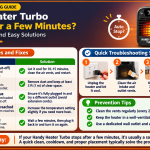
The heater does not turn on
- Make sure it is fully pushed into a working outlet.
- Try a different outlet to rule out a tripped breaker or dead socket.
- Let it cool for a few minutes in case overheat protection has activated.
- If it still fails, contact the seller or manufacturer under your warranty.
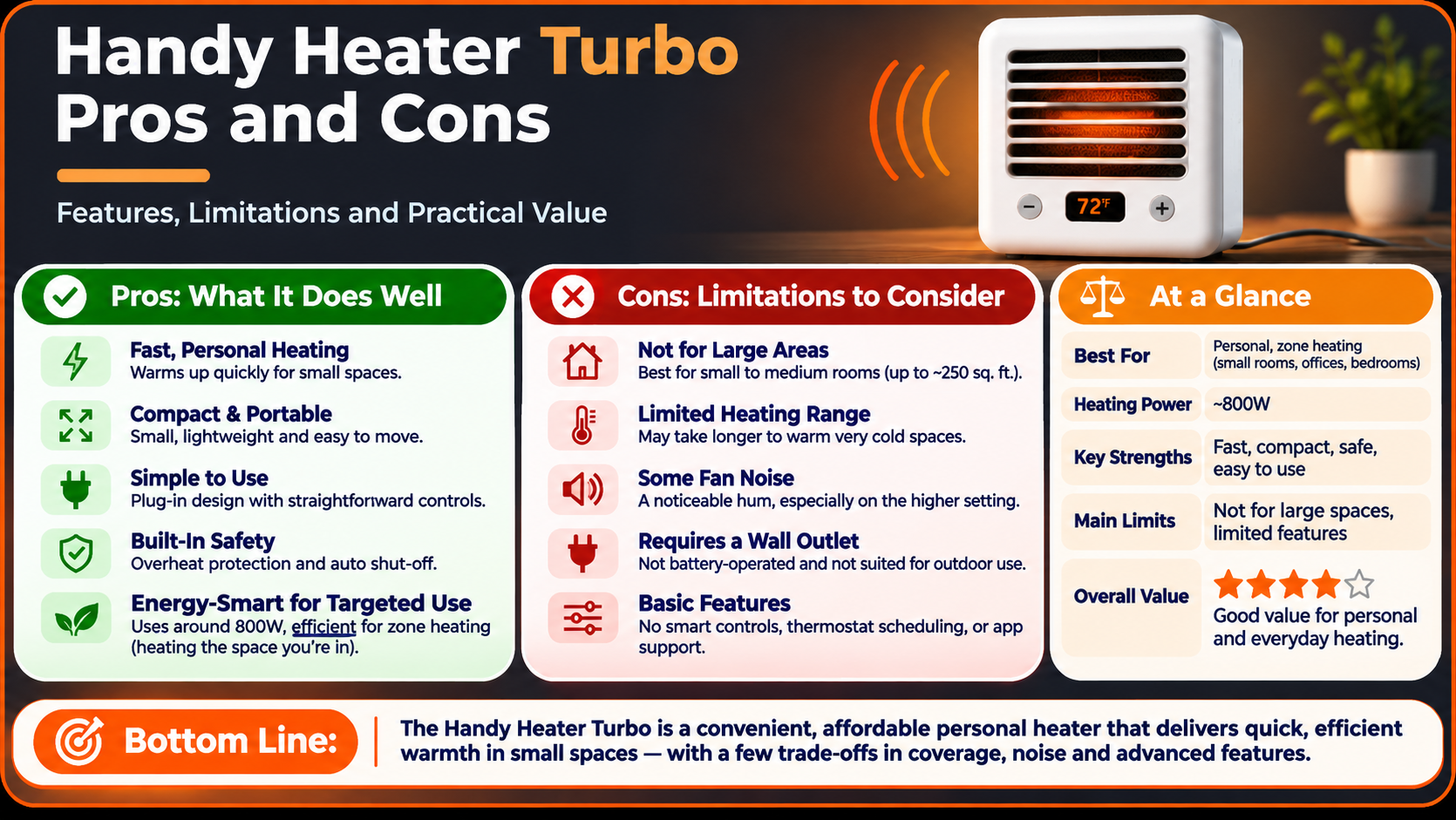
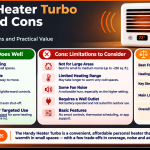
Pros and Cons
| Pros | Cons |
|---|---|
| Compact and plugs straight into the wall | Best only for small to medium rooms |
| Quick warm-up with a ceramic element and fan | Sensor sits low, so readings can differ from the room |
| Digital display and a wide 60°F–90°F thermostat range | Not a whole-house solution |
| 12-hour programmable timer | Settings and labels vary a bit between sellers |
| Quiet enough for bedrooms and offices | Needs a dedicated wall outlet for safe use |
Who Should Buy the Handy Heater Turbo?
This heater suits people who want spot heating in a small space without taking up floor room. It is a smart pick for bedrooms, home offices, dorm rooms, nurseries, RVs and bathrooms. If you need to heat a big open area or an entire floor, a larger heater or central heating is a better choice.
Ready to try it?
Check the latest price and customer reviews at your preferred store before you buy, and compare the exact model and warranty offered by each seller.
Frequently Asked Questions
What is the best temperature setting for the Handy Heater Turbo?
For most people, 68°F to 72°F is the sweet spot for comfort and cost. Use 65°F to 68°F for sleeping.
What is the maximum temperature on the Handy Heater Turbo?
The thermostat can be set up to 90°F, which is the top of its 60°F to 90°F range.
Can I leave the Handy Heater Turbo on all night?
It has safety features and a timer, but you should still follow the manual. Using the timer for a few hours and keeping the area around the heater clear is the safer approach.
Does the Turbo setting use more electricity?
The heater is rated at 800 watts. Running longer at a higher thermostat setting is what increases your electricity use.
Can I plug it into an extension cord?
No. Heaters should be plugged directly into a wall outlet to reduce the risk of overheating.
How long does it take to warm a room?
In a small, closed room you will usually feel warmth within about 10 to 15 minutes. Larger or drafty rooms take longer.
Final Thoughts
The best Handy Heater Turbo temperature settings are the ones that keep you comfortable without running at full power all day. Start around 70°F, lower it at night, use the 12-hour timer, close the door, and block drafts. Follow the safety tips and this little heater can keep a small room warm for just pennies an hour.
Specifications and features are based on manufacturer and retailer information and can vary by model and seller. Always read the manual supplied with your heater.