




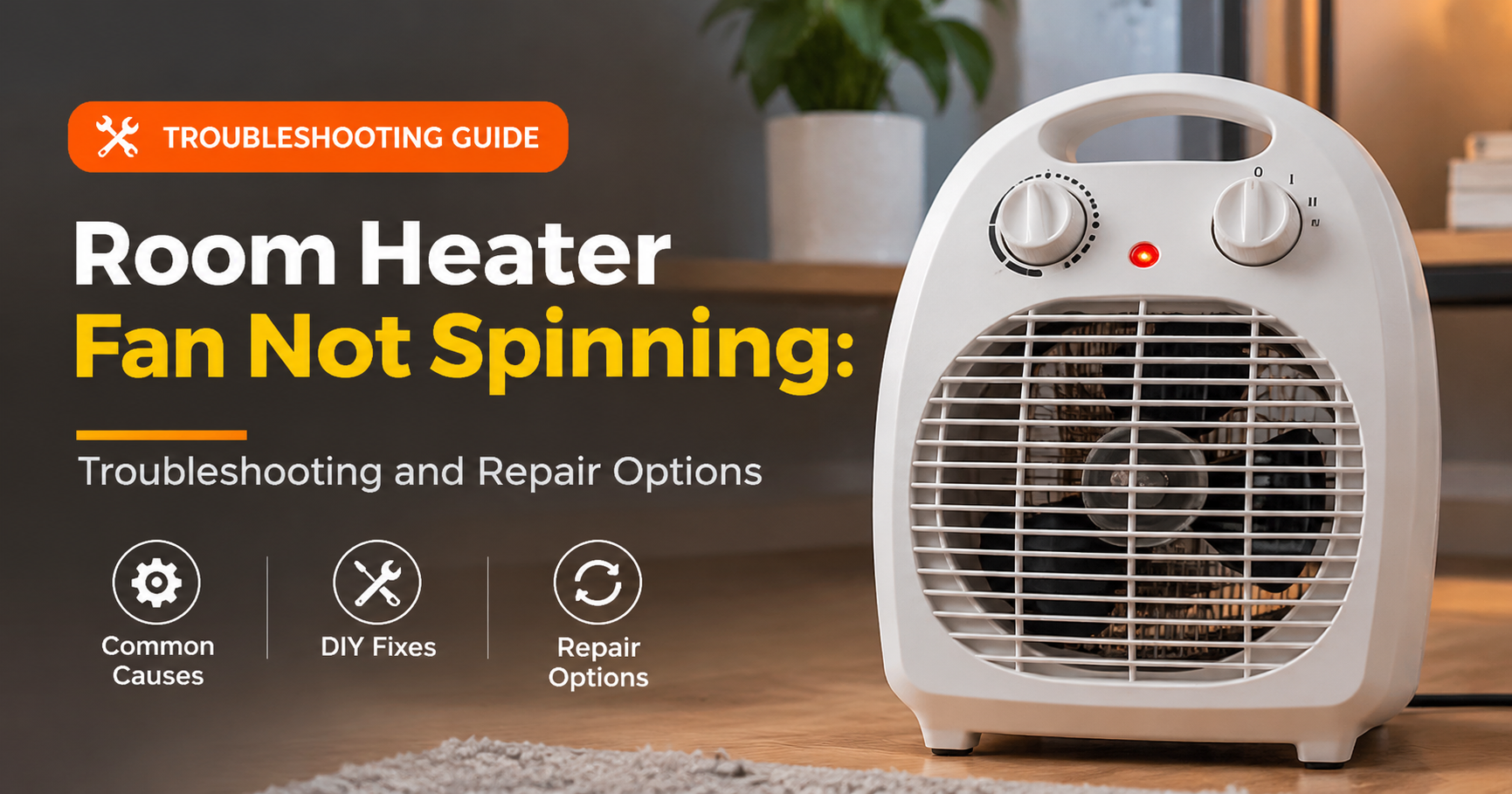

You switch your room heater on, the red light glows, the element starts to smell warm, and then you notice something wrong: the fan is not spinning. Without airflow, the heat stays trapped inside the unit and never reaches your room. It is one of the most common complaints with fan heaters, and in many cases the cause is simple and cheap to fix.
This guide explains why a room heater fan is not spinning, how to diagnose the problem safely, which repairs you can do at home, and when it is smarter (and safer) to replace the heater.
Quick Answer: Why Is My Room Heater Fan Not Spinning?
How a Fan Room Heater Works
A fan heater has three main working parts. The heating element (a ceramic plate or metal coil) turns electricity into heat. The fan motor pushes air across the element and out into the room. Safety devices, including a thermostat, thermal fuse and tip-over switch, cut the power if the unit gets too hot or falls over.
Because the fan and the element share the same power supply, a problem in the fan circuit or a safety device can stop the fan while the element still gets warm. That is why the heater may seem “on” but feel useless.
Common Causes of a Room Heater Fan Not Spinning
1. Dust, Pet Hair and Debris Jamming the Blades
This is the number one cause. Over a season, dust and lint pack around the fan blades and motor shaft, adding friction until the motor cannot turn. Pet hair and carpet fibres make it worse. If the fan hums or twitches but will not start, a jam is very likely.
2. Tripped Thermal Cut-Off or Overheat Protection
If the heater overheated, perhaps because vents were blocked or the filter was clogged, its safety cut-off may have tripped. Some models reset automatically after cooling, while others need a manual reset button or a full power cycle.
3. Tip-Over Switch Activated
Most heaters have a switch that turns the unit off when it tilts. If the heater sits on an uneven surface or thick carpet, or the switch is stuck from dirt, it can block the fan from starting.
4. Worn-Out or Burnt Fan Motor
Fan motors do wear out, especially in heaters used daily through winter. Signs include a burning smell, a fan that starts only after a manual push, grinding noises, or a motor casing that is too hot to touch.
5. Faulty Start Capacitor
Many small AC motors rely on a capacitor to get going. When it fails, the motor hums but will not start unless you nudge the blades. This part is inexpensive, but it can hold a charge, so it should be handled by someone qualified.
6. Damaged Power Cord, Plug or Outlet
A frayed cord, loose plug or weak outlet can deliver enough power to light the indicator but not enough to run the motor. A plug that feels hot is a warning sign, and the heater should not be used until it is checked.
7. Faulty Switch, Selector or Control Board
If the fan setting switch has worn contacts, or the control board has burnt components, the fan may get no signal at all. This is more common in digital models with remote controls.
8. Low Voltage or Overloaded Circuit
Running a heater on a long, thin extension cord or sharing a socket with other high-power devices can drop the voltage and make the fan sluggish or stop it entirely. Heaters should be plugged directly into a wall socket.
Symptom Guide: What Your Heater Is Telling You
| Symptom | Likely Cause | Fix |
|---|---|---|
| Fan hums but does not turn | Jam or failed capacitor | Clean blades; replace capacitor if the fan starts only with a push |
| Fan stopped suddenly, heater is hot | Thermal cut-off tripped | Unplug, cool, clean vents, reset |
| Fan turns slowly or weakly | Dust on the motor, low voltage or worn bearings | Clean, plug directly into the wall, lubricate if the design allows |
| Nothing happens, no light | Cord, plug, fuse or switch | Test another outlet; inspect the cord |
| Burning smell with a dead fan | Burnt motor winding | Stop using; repair by a professional or replace |
| Fan works only in some positions | Tip-over switch or loose wiring | Place on a flat surface; have a technician inspect |
Step-by-Step: How to Fix a Room Heater Fan That Is Not Spinning
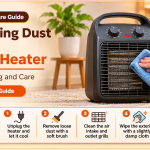
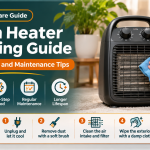
Step 1: Unplug and Cool Down
Disconnect the heater from the wall and let it cool for at least 30 minutes. Move it to a clear, dry, well-lit work area.
Step 2: Test the Fan by Hand
Looking through the grille, gently turn the blades with a wooden stick or pencil. They should spin freely with only light resistance. If they feel stiff, gritty or stuck, you have found the problem area.
Step 3: Clean the Vents and Fan
Use a soft brush and a vacuum with a brush attachment to remove dust from the front grille, rear intake and any visible blades. Compressed air works well for hard-to-reach spots. If your model’s manual allows opening the casing, remove the screws and clean around the motor shaft too.
Step 4: Check the Cord, Plug and Socket
Look for cuts, kinks, melted plastic or discoloured pins. Try a different wall socket. If the cord or plug is damaged, stop and replace the heater or have the cord professionally changed.
Step 5: Reset the Safety Switches
Check for a reset button and press it. Make sure the heater stands upright on a hard, level surface so the tip-over switch releases. Leave it unplugged for several minutes, then plug it in and test again.
Step 6: Test on Low Settings
Turn the heater on at the lowest fan setting, then increase gradually. If the fan only works on one setting, the selector switch is probably worn.
When You Should Not Attempt a DIY Repair
- You smell burning plastic or see scorch marks.
- The plug, cord or socket is hot, melted or sparking.
- The fan motor is hot to the touch even when the heater was off for a while.
- You would need to handle a capacitor, control board or wiring.
- The heater is still under warranty. Opening it may void the cover.
Heaters use high current, so repairs beyond cleaning should be left to a qualified technician.
Repair or Replace? A Simple Guide
Replacing a motor or board often costs more than half the price of a new budget heater, and an older unit may have other worn safety parts. Consider replacing the heater if it is more than five to six years old, the motor is burnt, the casing is cracked or yellowed from heat, or the unit has overheated before.
What to Look for in a Replacement Fan Heater
- Overheat protection and tip-over switch: non-negotiable safety features.
- Adjustable thermostat: keeps the room comfortable and reduces strain on the unit.
- Quiet, durable motor: look for sealed or ball bearing designs and positive long-term reviews.
- Easy-to-clean, removable grille or filter: dust is the main enemy of the fan.
- Right wattage for your room: roughly 1,000 W for small rooms and 1,500 to 2,000 W for larger spaces.
- Warranty: at least one to two years shows manufacturer confidence.
How to Prevent the Fan From Stopping Again
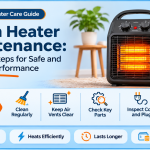
- Clean the grille and vents every two to four weeks during heavy use.
- Deep clean before storing the heater for summer.
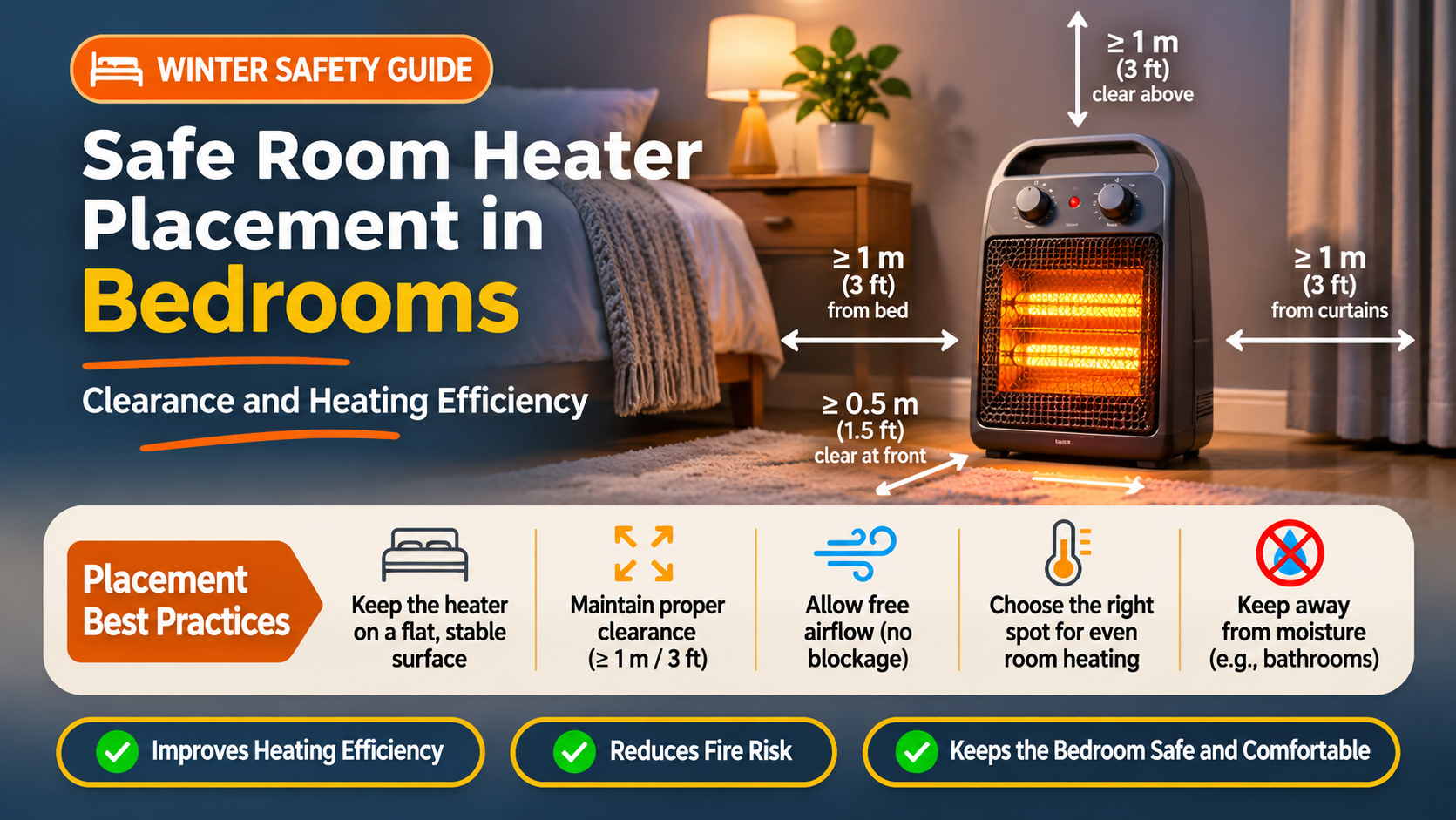
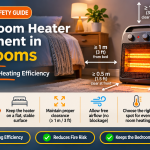
- Keep it on a flat, hard surface, away from curtains, bedding and thick rugs.
- Do not use extension cords or power strips.
- Leave at least one metre of clear space around the heater.
- Store it in its box or a covered area to keep dust out.
Frequently Asked Questions
Is it safe to use a heater if the fan is not spinning?
No. Without airflow, heat builds up inside and can trigger the safety cut-off or damage the unit. Stop using it until it is fixed.
Why does my heater fan only spin when I push it?
That usually means a failed capacitor, worn bearings or heavy dust build-up. A technician can confirm which one.
Why does the heater light work, but the fan does not?
The light and the motor run on separate circuits. The indicator only shows that power is reaching the unit, not that the fan can run.
Can I lubricate the fan motor?
Some designs have oil ports, but most modern heaters use sealed bearings. Check your manual. Never use spray lubricants near the heating element.
How long should a room heater fan last?
With good care, five to ten years. Heavy daily use, dusty rooms and overheating shorten that.
How much does it cost to repair?
Cleaning is free. A professional repair can cost nearly as much as a budget replacement, so compare both before deciding.
Final Thoughts
A room heater fan that is not spinning is usually caused by something small, like dust, a tripped safety switch or a worn capacitor. Work through the safe checks above, clean regularly and never run a heater with a stopped fan. If you find burnt parts, damaged wiring or a hot plug, retire the heater and choose a new one with strong safety features. A little maintenance keeps your heater safe, efficient and ready for every cold night.